0330 999 3399

Support@midexpro.com

Welcome to our Knowledgebase & User Guide

Get ready to uncover a wealth of helpful tips, tricks, and processes to make the most of your MidexPRO experience!

Let’s look at the different sections in MidexPRO, with more detailed explanations provided below.

[wd_asp id=1]

User Guide Categories

[dsm_flipbox _builder_version=”4.27.4″ _module_preset=”default” custom_margin_tablet=”” custom_margin_phone=”||80px||false|false” custom_margin_last_edited=”on|phone” link_option_url=”https://midexpro.com/user-guide/patient-section/” global_colors_info=”{}”][dsm_flipbox_child title=”Patient 🙍” image=”https://midexpro.com/wp-content/uploads/2024/07/general-practitioner-communicating-with-woman-appointment-doctor-s-office-scaled.jpg” alt=”Doctor in scrubs talking to a patient across a desk during a consultation.” button_url_new_window=”1″ _builder_version=”4.27.4″ _module_preset=”default” text_orientation=”center” border_radii_image=”on|30px|30px|30px|30px” global_colors_info=”{}”][/dsm_flipbox_child][dsm_flipbox_child title=”Patient 🙍” use_icon=”on” font_icon=”||divi||400″ icon_color=”#5DBCA3″ use_icon_font_size=”on” icon_font_size=”60px” button_text=”Read More” button_url=”/patient/” button_url_new_window=”1″ _builder_version=”4.27.4″ _module_preset=”default” text_orientation=”center” global_colors_info=”{}”]

This section of the User Guide will cover some of the more common settings and options in the Patient section of your MidexPRO system. 

[/dsm_flipbox_child][/dsm_flipbox]

[dsm_flipbox _builder_version=”4.27.4″ _module_preset=”default” custom_margin_tablet=”” custom_margin_phone=”||80px||false|false” custom_margin_last_edited=”on|phone” link_option_url=”https://midexpro.com/user-guide/features-section/” global_colors_info=”{}”][dsm_flipbox_child title=”Features 🤝” image=”https://midexpro.com/wp-content/uploads/2022/06/Features-Header-Image.jpg” alt=”Medical Practice Management Software | MidexPRO Features” button_url_new_window=”1″ _builder_version=”4.27.4″ _module_preset=”default” text_orientation=”center” border_radii_image=”on|30px|30px|30px|30px” global_colors_info=”{}”][/dsm_flipbox_child][dsm_flipbox_child title=”Features 🤝” use_icon=”on” font_icon=”||divi||400″ icon_color=”#5DBCA3″ use_icon_font_size=”on” icon_font_size=”60px” button_text=”Read More” button_url=”/invoices-and-expenses/” button_url_new_window=”1″ _builder_version=”4.27.4″ _module_preset=”default” text_orientation=”center” global_colors_info=”{}”]

This section of the User Guide will explain all of the Features available in your MidexPRO system. Each Feature provides a unique benefit and is selected to streamline your Practice and save you time and money.

[/dsm_flipbox_child][/dsm_flipbox]

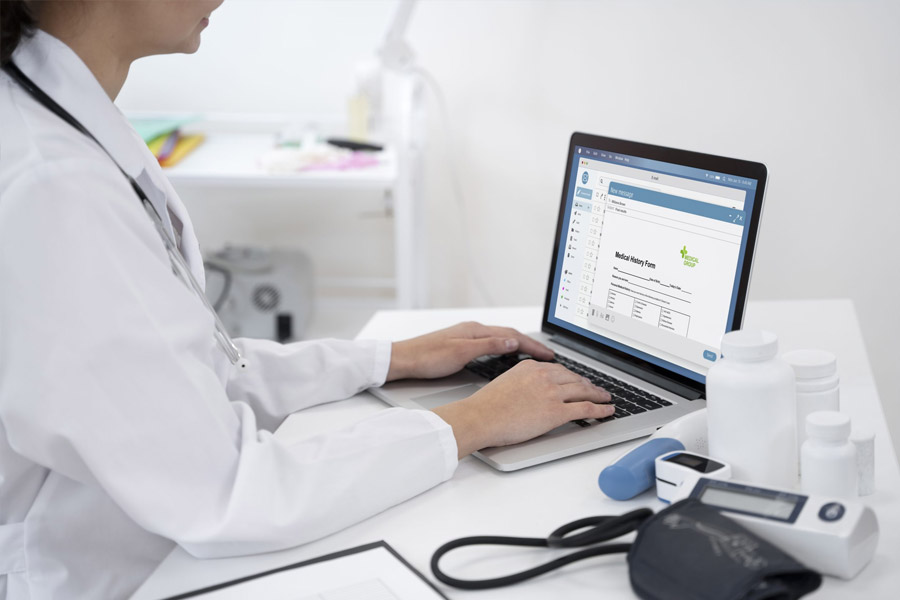
[dsm_flipbox _builder_version=”4.27.4″ _module_preset=”default” custom_margin_tablet=”” custom_margin_phone=”||80px||false|false” custom_margin_last_edited=”on|phone” link_option_url=”https://midexpro.com/user-guide/accounting-section/” global_colors_info=”{}”][dsm_flipbox_child title=”Accounting 💷” image=”https://midexpro.com/wp-content/uploads/2024/02/doctor-writing-about-routine-medical-checkup-scaled.jpg” alt=”Doctor typing on a laptop, viewing a digital medical history form.” button_url_new_window=”1″ _builder_version=”4.27.4″ _module_preset=”default” text_orientation=”center” border_radii_image=”on|30px|30px|30px|30px” global_colors_info=”{}”][/dsm_flipbox_child][dsm_flipbox_child title=”Accounting 💷” use_icon=”on” font_icon=”||divi||400″ icon_color=”#5DBCA3″ use_icon_font_size=”on” icon_font_size=”60px” button_text=”Read More” button_url=”/patient/” button_url_new_window=”1″ _builder_version=”4.27.4″ _module_preset=”default” text_orientation=”center” global_colors_info=”{}”]

This section of the User Guide will cover the Accounting section of your MidexPRO system.

[/dsm_flipbox_child][/dsm_flipbox]

[dsm_flipbox _builder_version=”4.27.4″ _module_preset=”default” custom_margin_tablet=”” custom_margin_phone=”||80px||false|false” custom_margin_last_edited=”on|phone” link_option_url=”https://midexpro.com/user-guide/Setup-section/” global_colors_info=”{}”][dsm_flipbox_child title=”Setup ⚙️” image=”https://midexpro.com/wp-content/uploads/2022/07/Housekeeping.jpeg” alt=”Miniature construction workers and traffic cones placed on a computer keyboard as if repairing it.” button_url_new_window=”1″ _builder_version=”4.27.4″ _module_preset=”default” text_orientation=”center” border_radii_image=”on|30px|30px|30px|30px” global_colors_info=”{}”][/dsm_flipbox_child][dsm_flipbox_child title=”Setup ⚙️” use_icon=”on” font_icon=”||divi||400″ icon_color=”#5DBCA3″ use_icon_font_size=”on” icon_font_size=”60px” button_text=”Read More” button_url=”/patient/” button_url_new_window=”1″ _builder_version=”4.27.4″ _module_preset=”default” text_orientation=”center” global_colors_info=”{}”]

This section of the User Guide will cover some of the more common setup section of your MidexPRO system. 

[/dsm_flipbox_child][/dsm_flipbox]

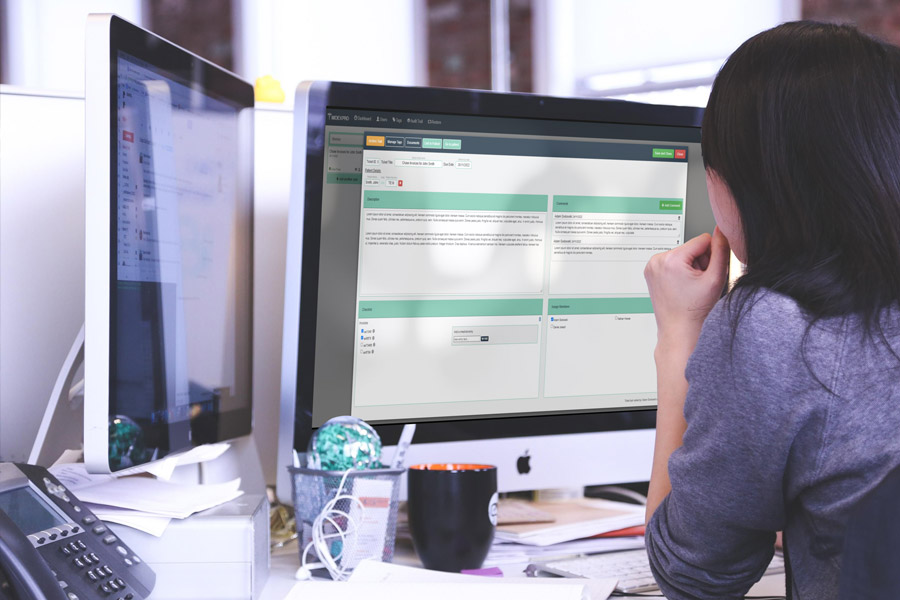
[dsm_flipbox _builder_version=”4.27.4″ _module_preset=”default” custom_margin_tablet=”” custom_margin_phone=”||80px||false|false” custom_margin_last_edited=”on|phone” link_option_url=”https://midexpro.com/user-guide/features-section/” global_colors_info=”{}”][dsm_flipbox_child title=”General Info ℹ️” image=”https://midexpro.com/wp-content/uploads/2023/05/mockuper-scaled.jpg” alt=”Woman at desk viewing the MidexPro management dashboard on a desktop computer.” button_url_new_window=”1″ _builder_version=”4.27.4″ _module_preset=”default” text_orientation=”center” border_radii_image=”on|30px|30px|30px|30px” global_colors_info=”{}”][/dsm_flipbox_child][dsm_flipbox_child title=”General Info ℹ️” use_icon=”on” font_icon=”||divi||400″ icon_color=”#5DBCA3″ use_icon_font_size=”on” icon_font_size=”60px” button_text=”Read More” button_url=”/invoices-and-expenses/” button_url_new_window=”1″ _builder_version=”4.27.4″ _module_preset=”default” text_orientation=”center” global_colors_info=”{}”]

This section of the User Guide will cover some of the general questions about your MidexPRO system. 

[/dsm_flipbox_child][/dsm_flipbox]